
Disclosure: This is a sponsored post and it includes affiliate links. I only recommend products I use and love. You can read my full disclosure policy here.
Don’t you just love a “wow” crafting moment when a finished project is even cooler than you imagined?
I’ve had a lot of those recently as I’ve been playing around with transferring vintage graphics and photos to all kinds of surfaces using Mod Podge photo transfer medium .
.
This stuff is the coolest, and I’m not just saying the because Mod Podge provided me with a sample of its photo transfer medium and other products to play around with. I’ve already used up my sample bottle, and I’m heading to the craft store to buy more. If you’ve ever wondered how to transfer photos to wood, you won’t believe how easy it is.
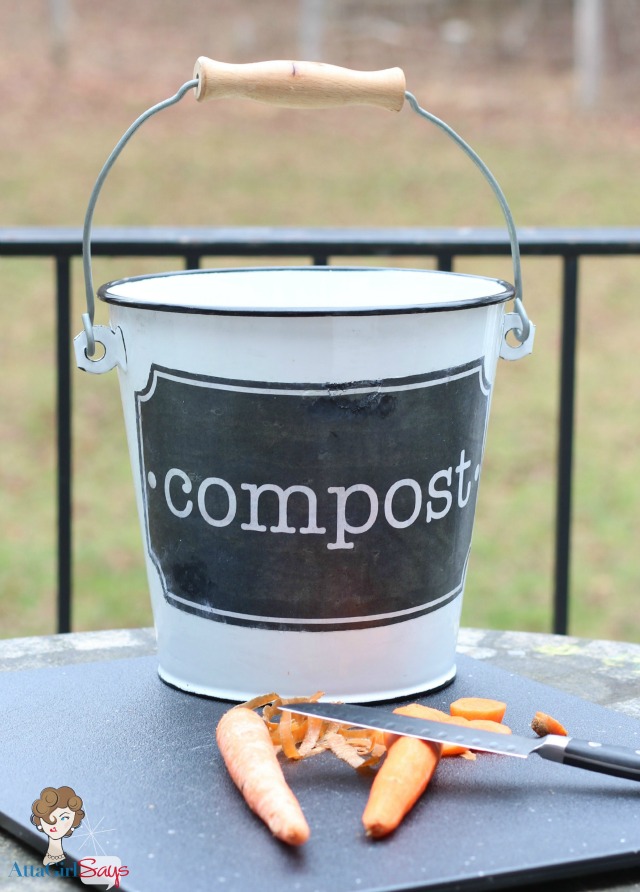
I’ve already decorated an enamel compost bucket for the kitchen.
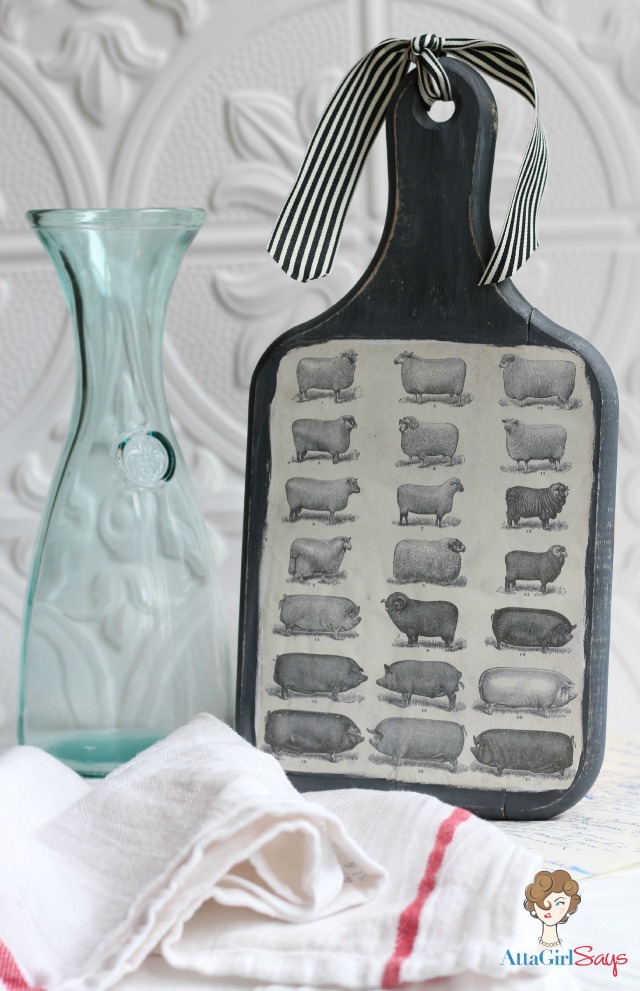
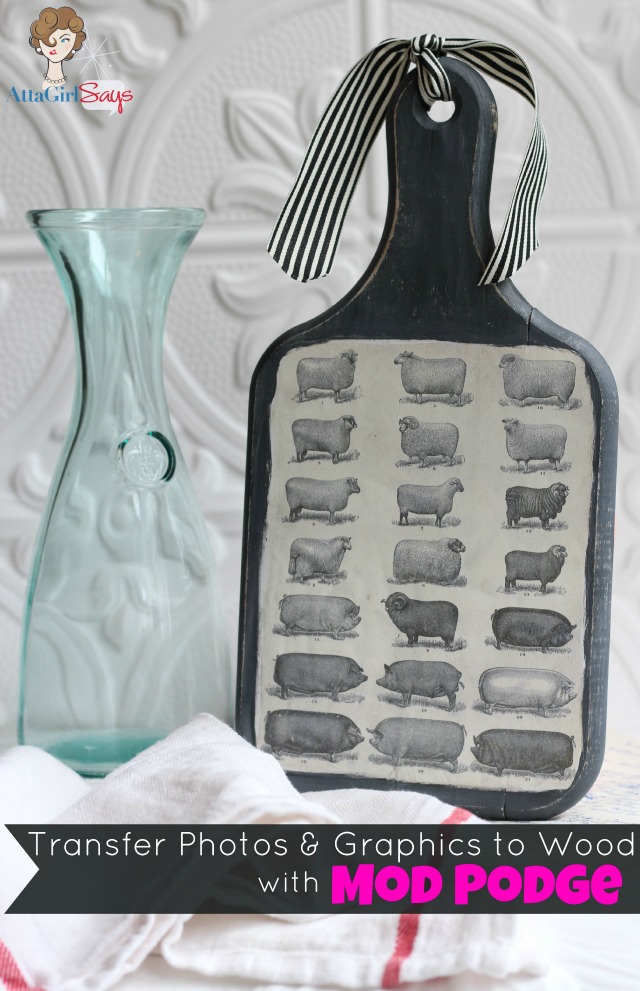
And I made this cool wooden cutting board with a vintage livestock image from The Graphics Fairy.
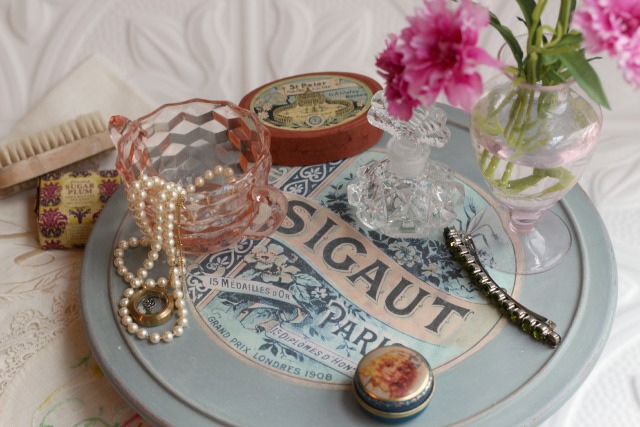
And my pretty little lazy susan , which would be perfect for the bathroom or bedroom.
I have a little bit of experience with transferring images to surfaces. I’ve used the wax paper transfer method, and I’ve also created napkins and tea towels using iron-on transfer paper. But those techniques definitely have their limitations, namely that you can only transfer to certain kinds of surfaces.
Mod Podge Photo Transfer works easily on a variety of surfaces, including fabric, wood, metal, canvas and glass. It really is easy to use, and the results are amazing.
You can use any photo or graphic you like. You just need to make a photocopy or print your photo regular paper using a dry-toner printer .
.
I plan on doing transferring some photos to canvas and fabric soon. But for these projects, I chose some vintage graphics from The Graphics Fairy.

When transferring images with words, be sure to print a “mirror” or reversed image so the words won’t be backwards on your finished project. (I’d recommend reversing your photos, too. Sometimes you call tell that something is “off” if you don’t mirror them.)
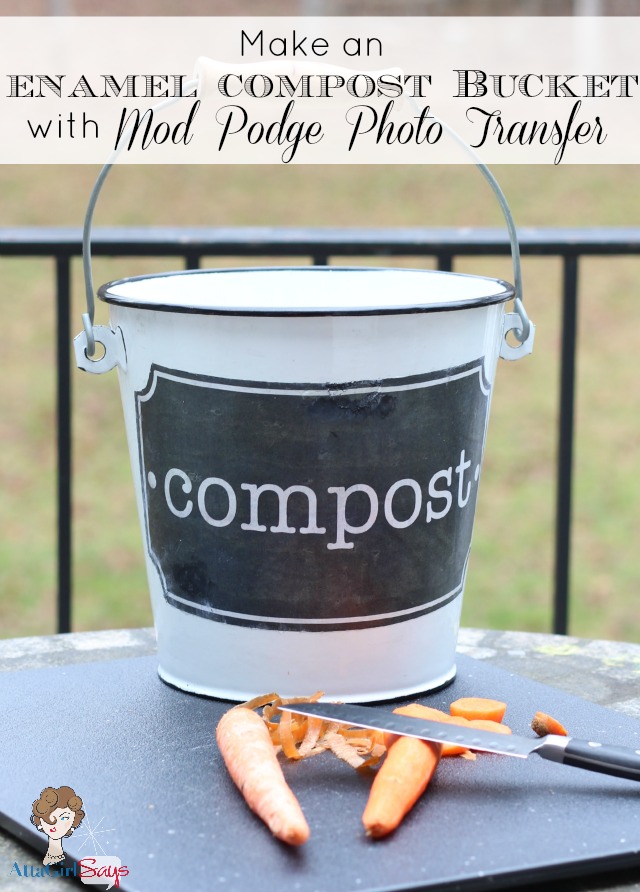
For my compost bucket, I created my own label in Photoshop Elements using a chalkboard background I downloaded from PhotoBookGirl.
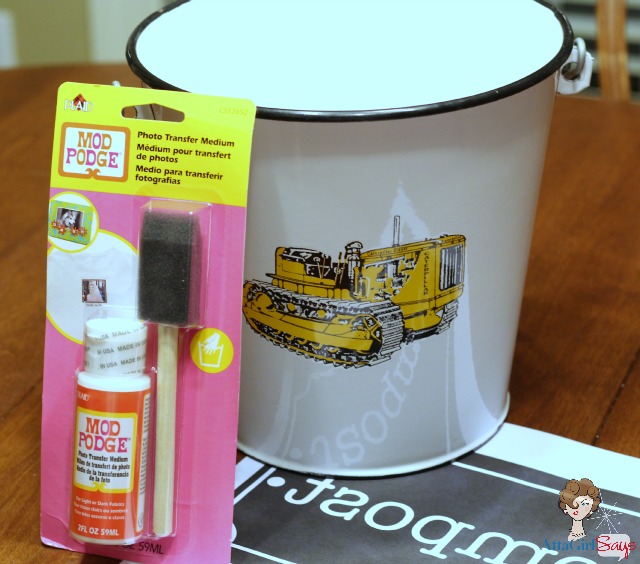
Can you believe this is what it looked like before? The yellow Caterpillar wasn’t exactly the look I was going for, so I decided to transfer right over it. I wasn’t sure if the photo transfer method would cover it, but it worked like a charm. You can’t see a trace of the tractor, or whatever it is.
Now, I’ll show you step-by-step how easy it is to transfer graphics and images using Mod Podge photo transfer medium.
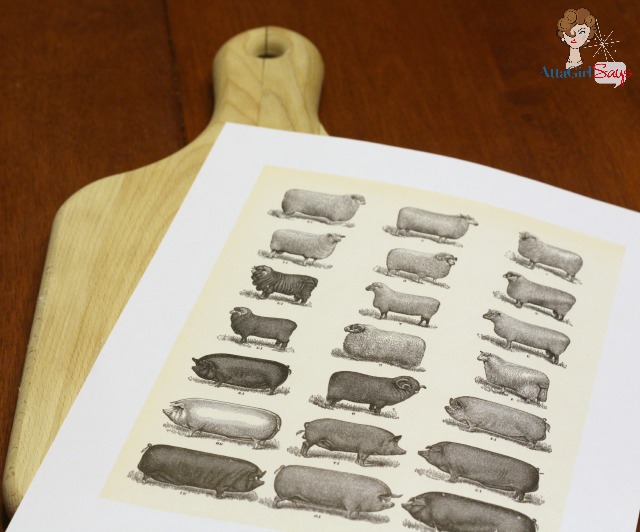
Step 1: Pick your image and print it in mirror or reverse. Size the image to fit your surface, in my case a wooden cutting board I bought at a yard sale. Trim as close to the edge as possible, as any white edges will show in the finished project.
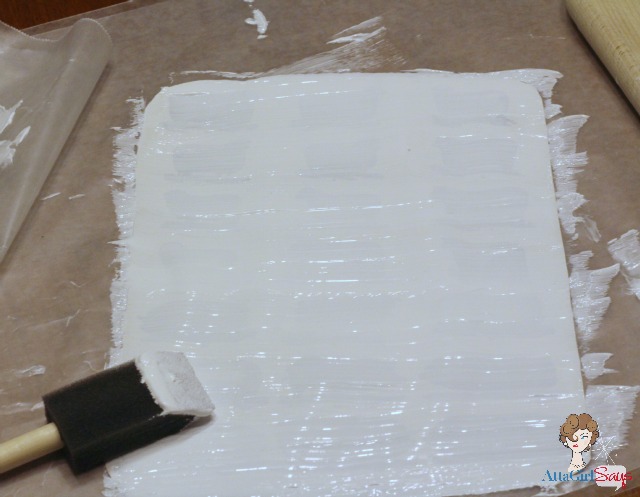
Step 2: Coat the image with Mod Podge Photo Transfer Medium. You’ll need to apply the medium about 1/16″ thick to get a good transfer. You don’t want it to be translucent. You should not be able to see most of your image through the transfer medium.
Step 3: Carefully apply the coated paper to your transfer surface, being careful not to tear the paper. Try handle only the edges of the paper. Starting in the center, gently press down on the image, working out any air bubbles. Tap the edges to make sure they’re sealed, as well. If any photo transfer medium smooshes out of the sides, gently wipe it off with a damp cloth.
This video provides a great demo of how to use the photo medium.
Now comes the hard part. You have to wait 24 hours for the magic to happen. (Why do I suddenly feel the need to break out into song? “The waiting is the hardest part…”)
Step 4: Once your project has dried for at least 24 hours — longer in humid climates — use a sponge to wet the top of your image. You want to saturate the paper pretty well. When you do, you’ll see your image reappear. Wait two minutes.

Step 5: After waiting two minutes, wring out your sponge and start gently rubbing in a circular motion over your image. The paper will start to pill off.
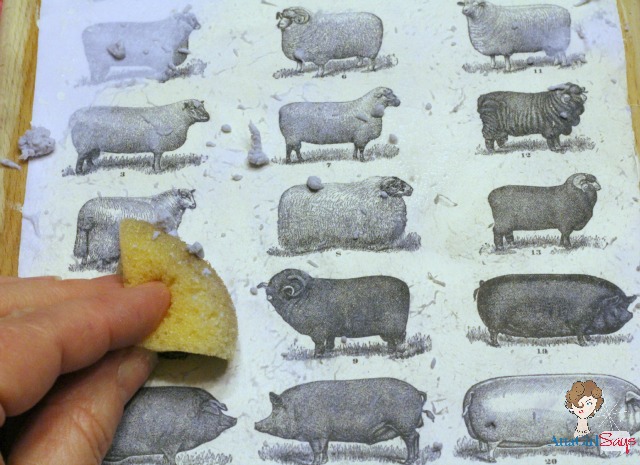
Continue until all the paper has been removed. But be gentle. You don’t want to remove your image along with the paper.
Once the image is dry, you can brush off any paper residue. Let it cure for 72 hours and seal with regular matte Mod Podge or gloss Mod Podge
 .
.
I finished my cutting board by painting it a chalky gray color and tying a ribbon through the handle. I love how it turned out.
You can use the Mod Podge transfer medium over a painted surface, but if you’re a messy crafter, you may need to do some touch-up painting.
For my lazy susan, I applied the vintage French soap label graphic over a surface I had painted with milk paint.
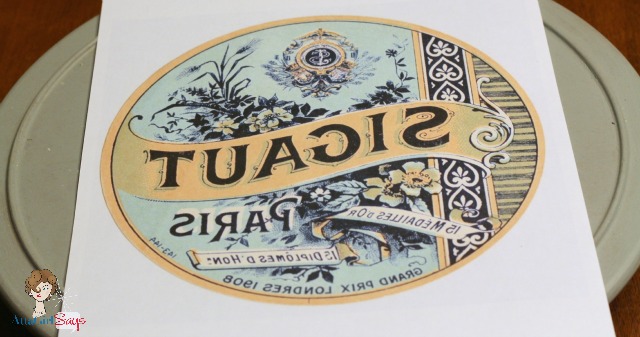
The photo transfer medium didn’t remove the paint, in my case, but I did a few touchups to cover my messiness.
I really love how all my projects turned out. I can’t wait to experiment more with Mod Podge photo transfer on fabric, glass, canvas and other surfaces.

Like Plaid Crafts on Facebook
Follow Plaid Crafts on Twitter
Follow Plaid Crafts on Pinterest
Visit Paint Me Plaid
This post was written as part of a campaign with The Blueprint Social. All opinions are my own.
Johlene@FlavoursandFrosting
This is too clever! I didn´t think you could do that! Super stoked to try it myself 🙂 🙂
ps. hi from the Creative Muster link party 🙂
Atta Girl Amy
It’s definitely a cool technique. I was awed the first time I tried it!
Laurie
I love your projects and the tutorial which make it look easy. It reminds me a bit of decoupage which I did years ago.
I am confused about what dry toner is. Is this like a laser printer? I have a laser printer and an ink jet. I’m assuming the ink jet wouldn’t work because the ink runs when it gets wet. So, I’m assuming the laser printer would be a better alternative.
Can you clear this up for me? I’d love to get some of this stuff and make some things…but am a bit afraid without knowing if I have the right kind of printer.
Atta Girl Amy
Hi Laurie, I would use the laser printer or a photocopier that uses toner instead of wet ink. You’re right about an ink jet printer; the ink would run when it got wet.
When the photocopier or laser printer, you just want to make sure that the machine uses machine use the dry powder cartridges, not ones filled with liquid ink. (You probably can tell by gently shaking one of our cartridges.)
The “dry toner” language is straight from the manufacturers’ instructions; I’ve tried to find more clarification on the Plaid Crafts website site and if you read the comments on the following post, you’ll see some discussion about it: https://www.plaidonline.com/blog/post/2015/04/14/mod-podge-photo-transfer-medium-how-to-use-it-and-create-a-project
BTW, the printer I have isn’t technically a laser printer or an ink jet. It’s the Epson WP 4530, and it has powdered ink cartridges.
Hope this helps.
creativejewishmom/sara
So much fun, been wanting to do this for years. One can also apparently use gel medium, which is what i have waiting for that some day project! Thanks so much for sharing on craft schooling sunday, great to reconnect in 2016!
garbage disposal problems
Great post. I used to be checking continuously this weblog and I’m impressed!
Extremely useful information specifically the last phase 🙂
I deal with such information much. I was seeking this particular
information for a long time. Thank you and best of
luck.
The best online shopping
I am regular reader, how are you everybody? This paragraph posted at this web site is
actually good.
Monica
What happens if you print out a graphic that has WHITE as part of the graphic? Does the image transfer white color? Or would it be translucent?
Dee Toomey
Can this be used on injet printer images, or are you using lazer printer images?
Kayla
I love your ideas! I was wondering what kind of printer is a dry toner printer? I have an inkjet colour printer. Will the mod podge photo transfer work if I print from that printer?
Rhonda ~Ramblings of a Southern Girl
Can’t wait to get my hands on some of this! Looks like such fun, and I love transfers! Your projects turned out great! Love the Compost Bucket! …belated Congrats on your Blog’aversary! I saw snippets of your daily give-aways on FB, but didn’t make it to Blogland. I enjoy your blog and are glad you’re here! 🙂
Amy Anderson
OMG love all these projects!! My favorite is the compost bin 😀
laurie
I can’t ait to get some of this! Your projects turned out great, and you made it look so easy (except the waiting part-I’m so not good at waiting. When I start something, I want to see immediately how it’s going to turn out.) Thank you for sharing this product and showing us how to use it. I’ll definitely be trying it. I don’t know what I’ll do while I’m waiting though! laurie
Jennifer
Great projects! I can’t decide which on I like best! I have been making a list of things I would like to accomplish over the next several months…. playing with a little mod podge is fixing to make the list!
Jessica
GORGEOUS! I may “borrow” this idea for some projects for my son’s birthday party! Nice work!
Debbie refresh
Love them! I want one of each, pinning 🙂
Shirley@Housepitality Designs
Wow Amy…those are fantastic pieces!…I love this project…!
Photobookgirl
Hi Atta Girl – so cool to see what you’ve done with the chalkboard background! Looks awesome! 🙂
Karen - The Graphics Fairy
Gorgeous projects!! I love them all!